For Windows 10 and 11
See every arena game you play, reviewed.
The MindCollector app watches your games while you play and sends each one to your page when it ends. You get a card for every game, a timeline you can play back, and a page that sets your play against other players of your spec.
MindCollector
What it shows
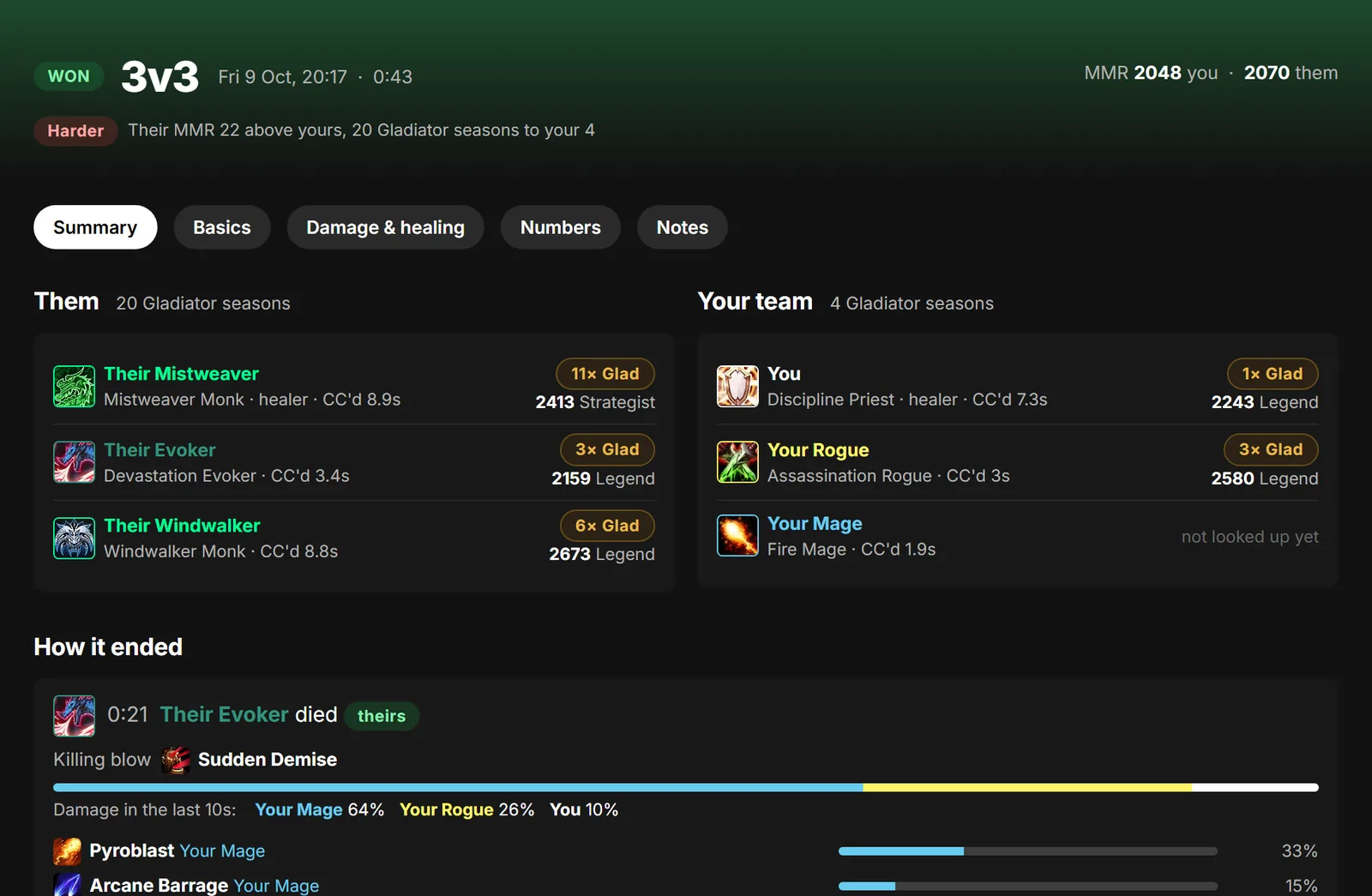
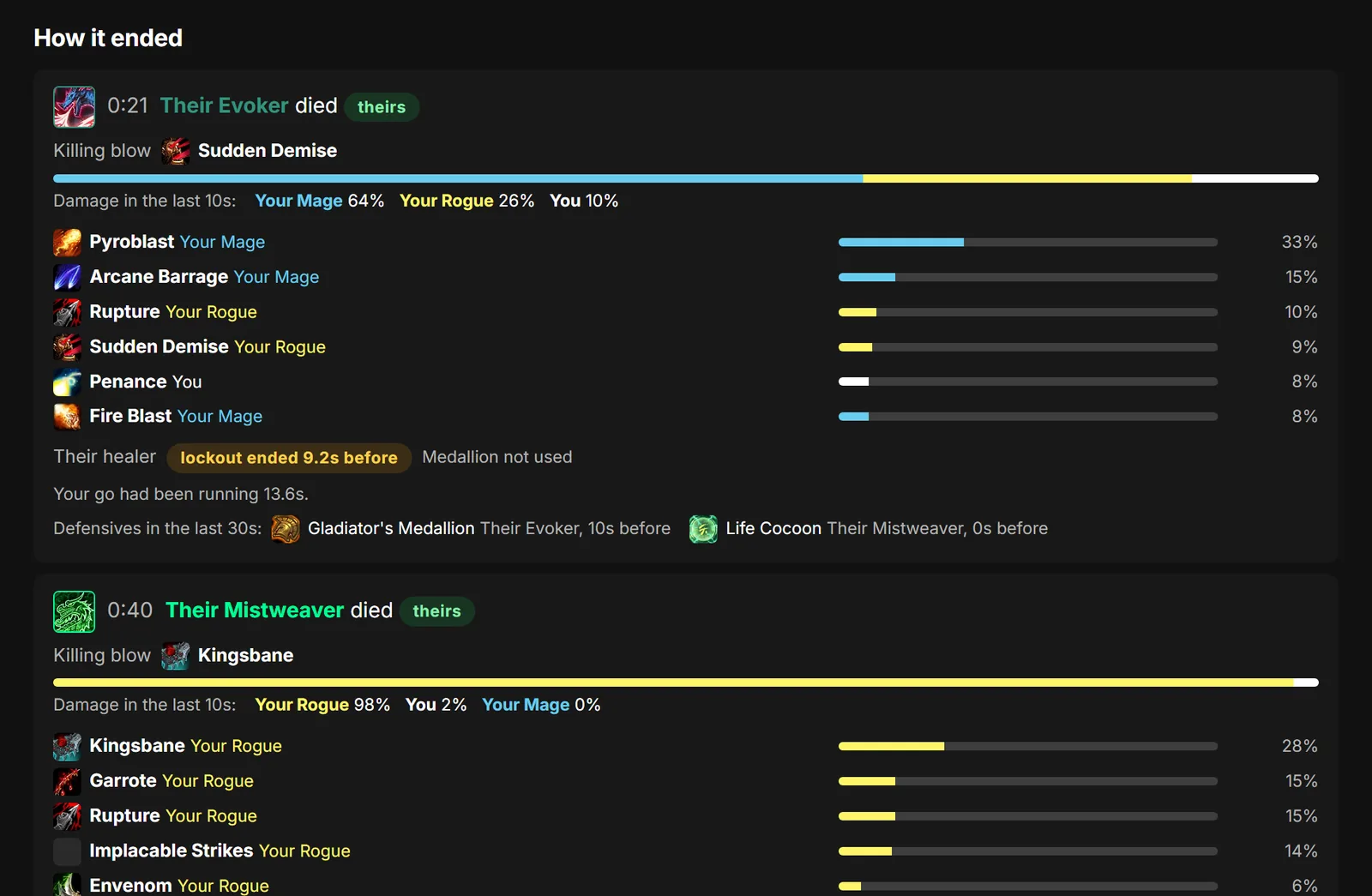
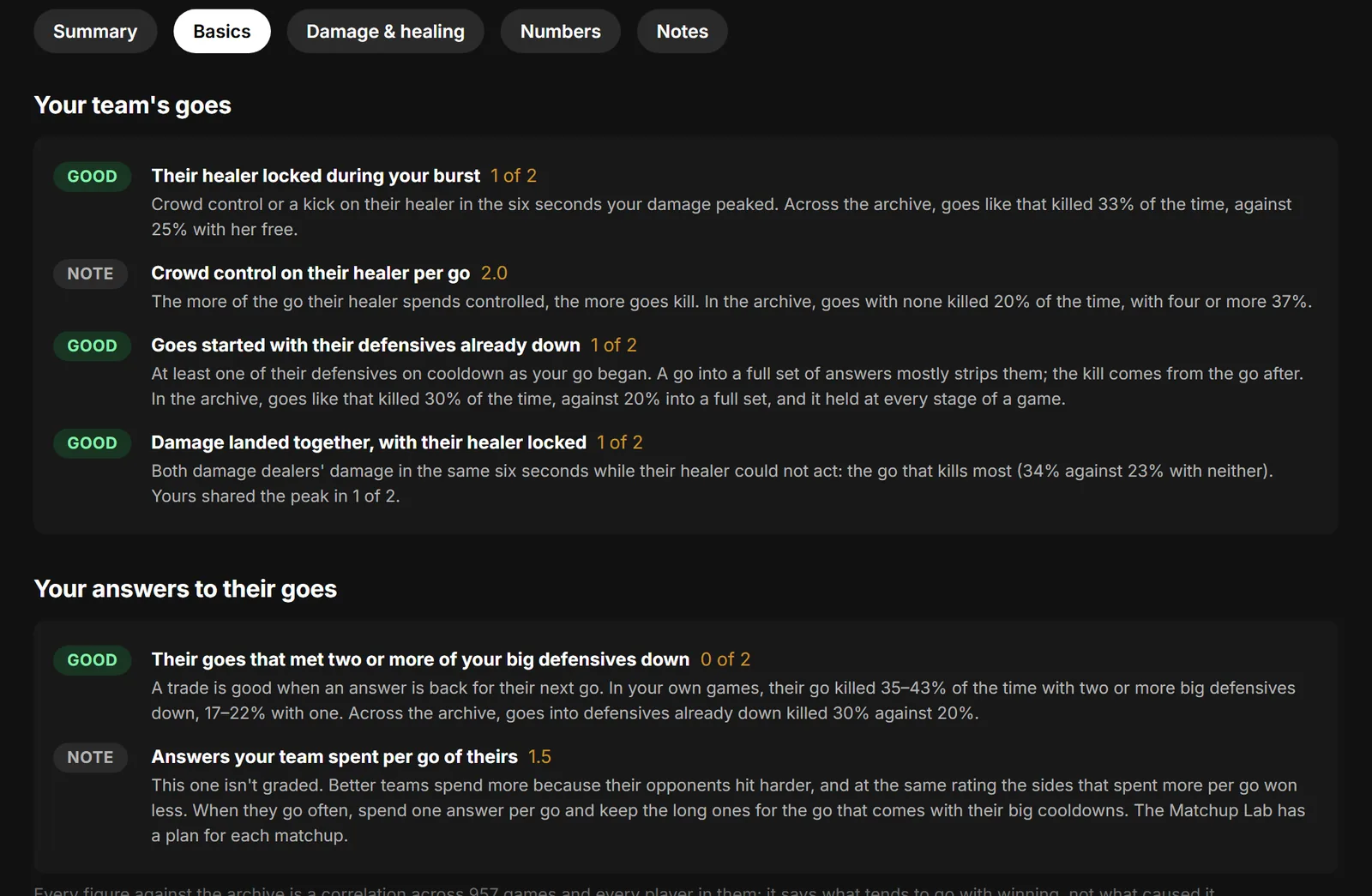
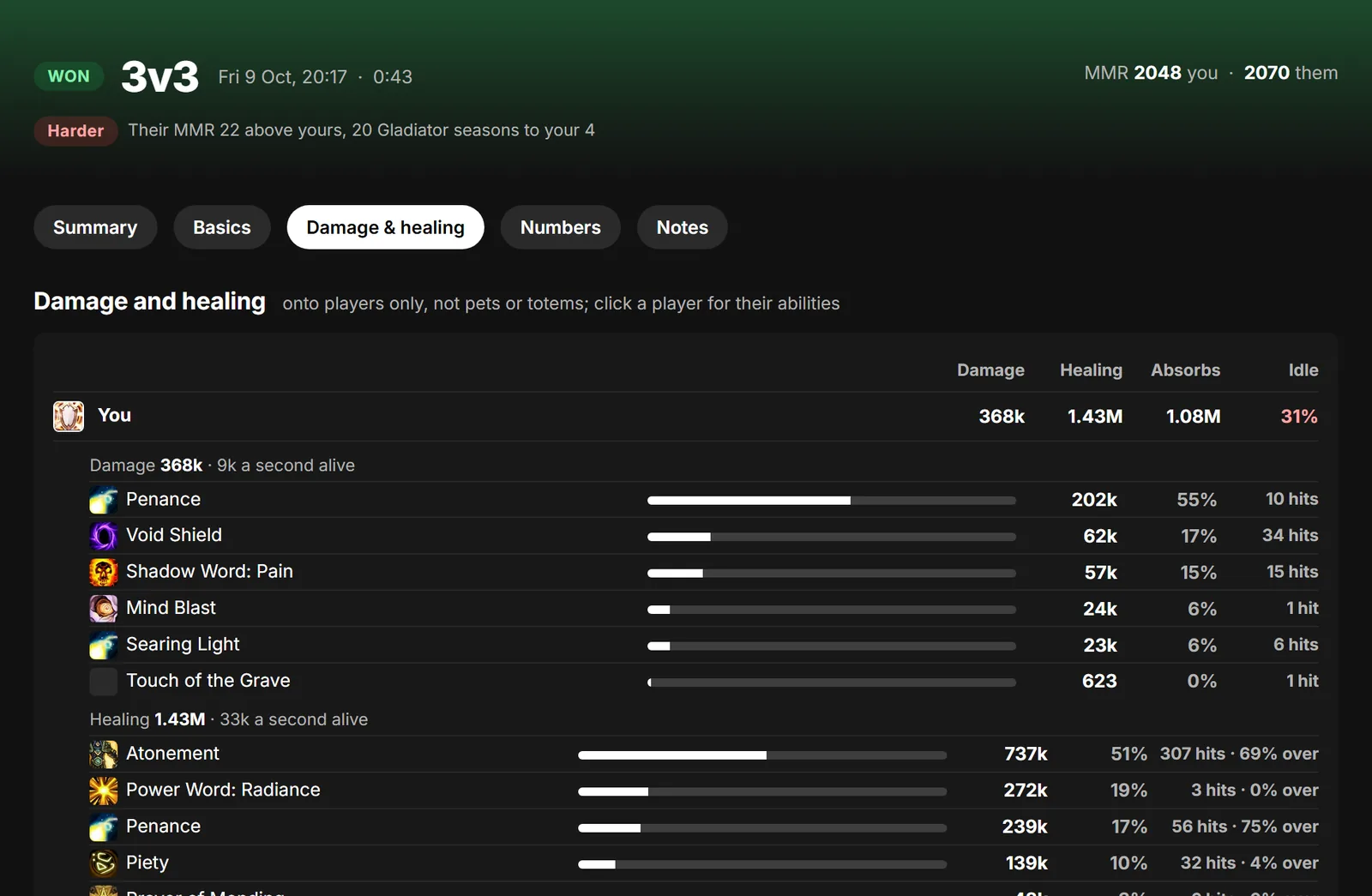
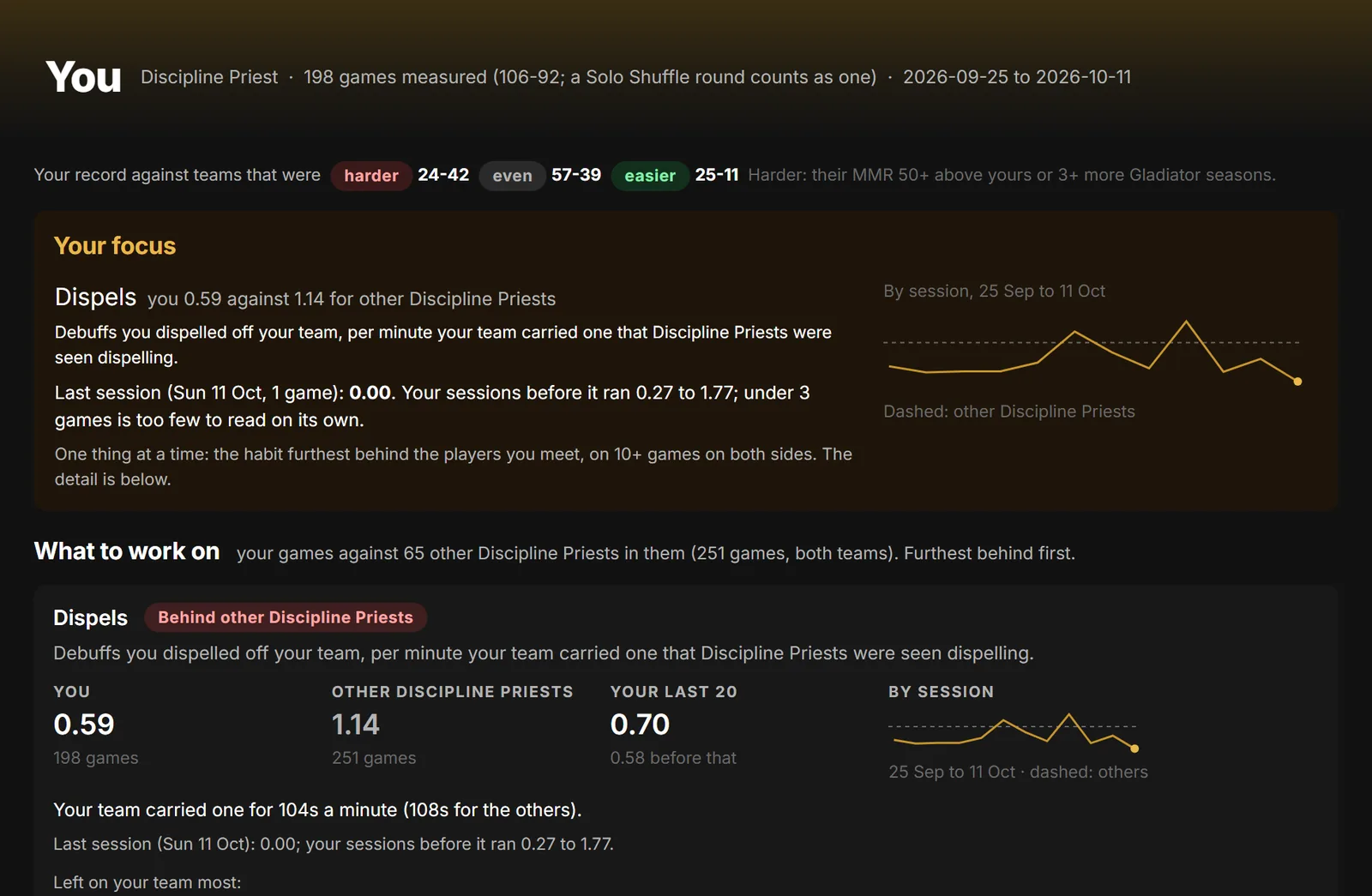
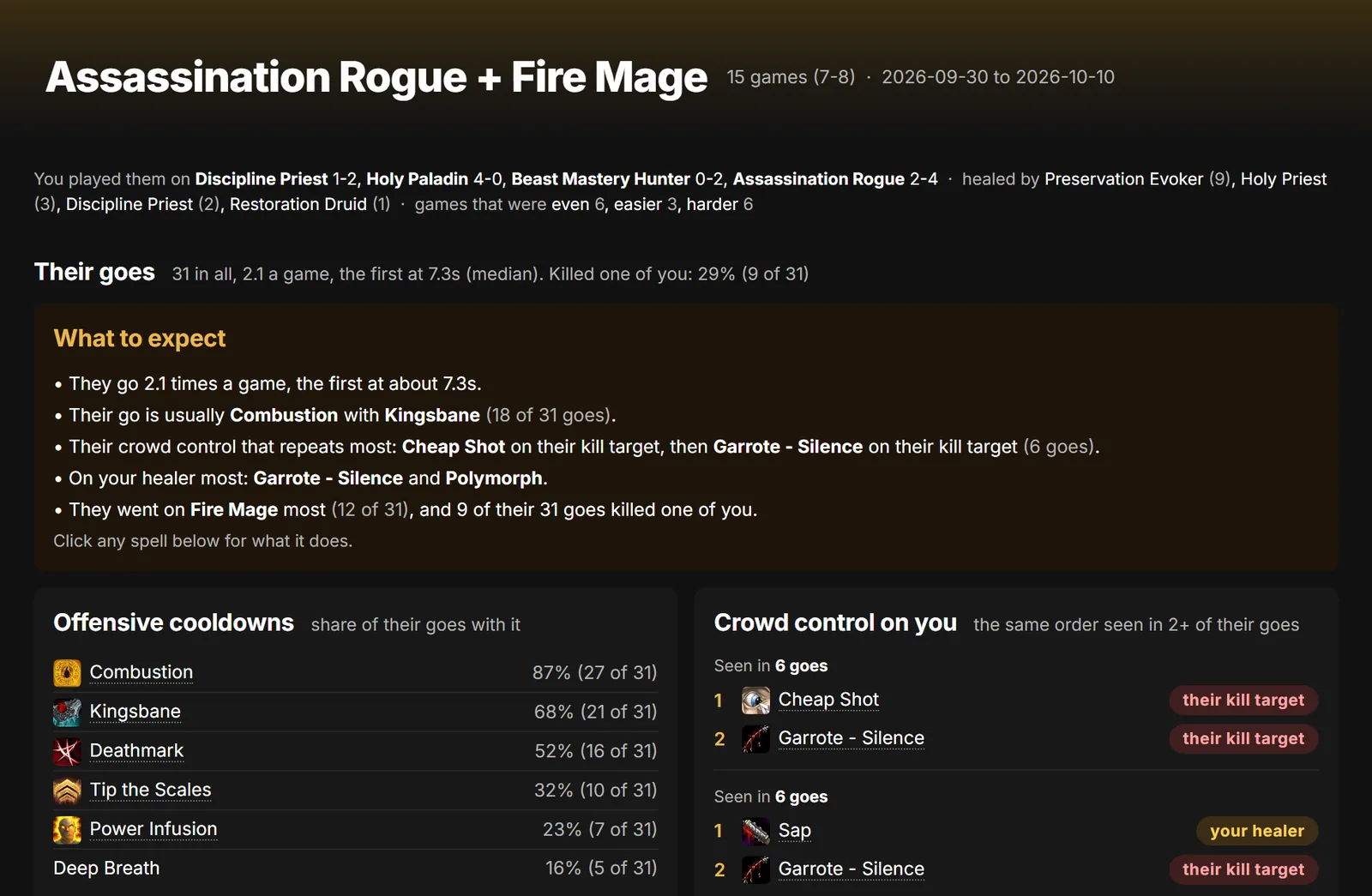
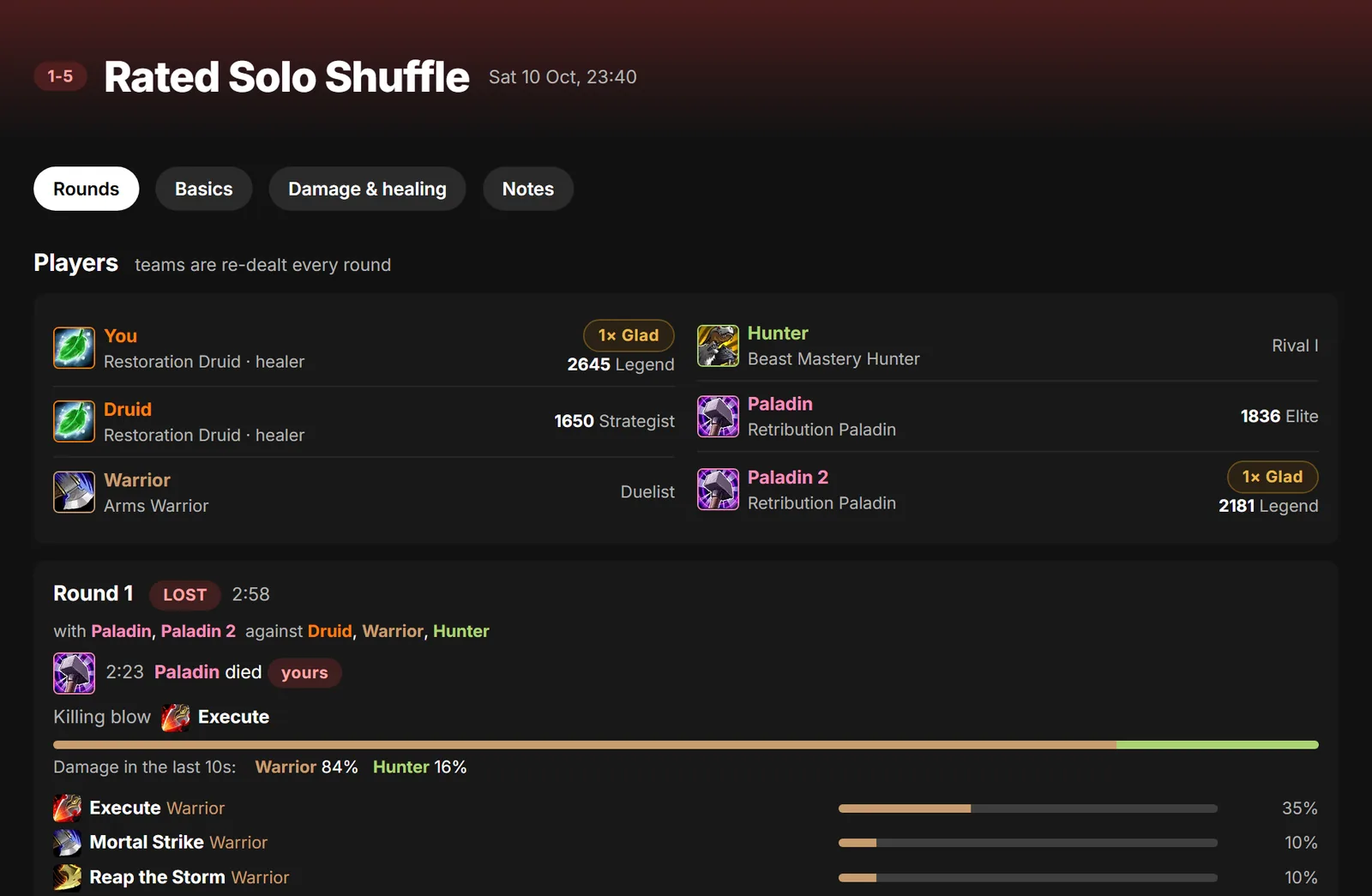
Every game, as it ends
Who you played, how experienced they were, and the MMR on both sides. It shows up about a minute after the gates close.
Watch any game back
Every game gets a timeline you can play like a video. Each time someone's health fell, it shows what the other team used to do it: their cooldowns, the stun on the target, the crowd control on the healer, and how close together they landed.
Under it, each player's buttons light up when they're ready and count down after they're used, so you can see what everyone had at any moment. A line under each player shows every button they pressed, in order.
If you use OBS, the app can record each arena game for you. The recording plays above the timeline, already lined up with it.
Try it on a real gameThree steps
-
1
Install it
The app isn't signed by Microsoft yet, so Windows may show a blue box saying it "protected your PC". Click More info, then Run anyway. It adds a shortcut to your Start menu and desktop.
-
2
Connect your account
The first time it opens, the app opens this website for you. Sign in (or make an account) and click Connect. The app picks it up by itself, so there's no key to copy.
-
3
Play arena
The app adds a small WoW addon that turns on combat logging in arena. If WoW is already open, type
/reloadonce. Each game shows up in the app about a minute after it ends, and on Your games here.
Record your games (optional)
Install OBS Studio (free). Then in the app open Settings and click Set up OBS. It turns on what the app needs in OBS, adds a capture of WoW if you don't have one, and records each arena game from then on.
The app sits in the tray by the clock and starts with Windows, so it's there when you play. You can turn that off in its Settings.
What it reads, and what happens to it
It reads one thing: your WoW combat log (WoWCombatLog.txt), and it only sends the arena games in it. Nothing else on your PC.
Your game pages are private. Each game's page names the players in it, so only you can see it.
Player pages are public. Everyone in your games, you included, shows up on the site's public player pages, the way armory sites list characters: each game's date, the two teams, their ratings, and each player's damage, healing and talents. Your notes, videos and game pages are never on them.
Your videos stay on your PC. The app plays them from your own disk and never uploads them.
The averages. Unless you opt out, your games are also counted, without any names, in the averages everyone is compared with. You can leave them out any time on Your games, under Upload.
Your login stays with Blizzard. You can make an account with an email address. If you use Battle.net, you sign in on Blizzard's own page and we never see your password.